You’re standing at the digital checkout, card details entered, and then it hits you—the dreaded "Invalid Zip Code" or "Payment Declined" error. It’s frustrating. You have the money on the card. You can see the balance. Yet, the website treats your zip code for vanilla gift card like it’s a fake ID at a high-end club.
Most people think these cards are "plug and play." They aren't.
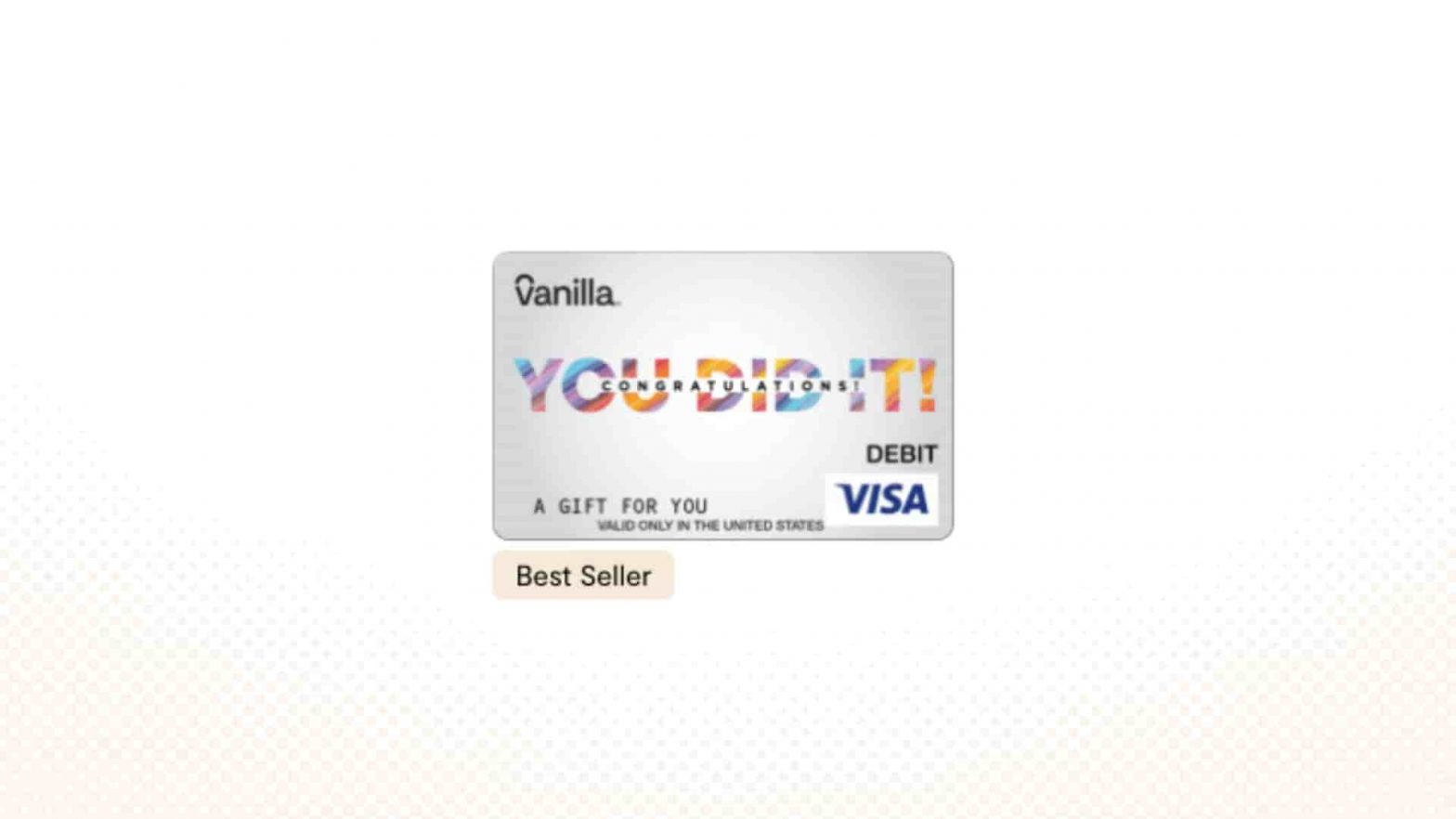
Vanilla Gift cards—whether they are Visa, Mastercard, or Discover—are issued by InComm Payments through banks like TCF National Bank, Sutton Bank, or MetaBank (now Pathward). Because these are "non-reloadable prepaid cards," they don't have a permanent address tied to them the way your Chase or Amex sapphire card does. When a merchant’s payment processor runs a "Zip Code Verification" (AVS), and your card doesn't have a zip code registered to it, the system just says "no thanks" to protect against fraud.
It’s basically a security handshake that fails because one person didn’t show up.
Why the Zip Code Requirement is Driving You Crazy
Online shopping changed. Years ago, you could use a prepaid card anywhere without a hitch. Now, almost every major retailer from Amazon to Shein uses AVS. This system checks if the billing zip code you entered matches what the card issuer has on file.
If you just bought the card at a CVS or Walgreens, the only "location" data it has is the store where it was activated. That doesn't count as your billing address.
Here is the kicker: some Vanilla cards don't even allow you to register a full name or street address anymore. They’ve simplified—or maybe complicated—the process by only allowing a zip code registration. If you skip this step, you are limited to using the card at physical gas stations or grocery stores. You're essentially locked out of the digital economy.
It's kinda wild when you think about it. You've paid the $5.95 activation fee, you've loaded $100, and yet you're stuck in a loop of "Transaction Declined."
How to Assign a Zip Code to Your Card Right Now
Don't panic. You don't need to call a support line and wait 40 minutes listening to elevator music.
First, look at the back of your card. You'll see a website—usually vanillagift.com or itsvanilla.com. Go there. Do not trust random third-party "balance checker" sites you find on social media; those are almost always phishing scams designed to drain your balance.
Once you’re on the official portal:
- Enter your 16-digit card number.
- Enter the expiration date and the 3-digit CVV from the back.
- Look for a section labeled "Manage Card" or "Edit Zip Code."
- Type in your actual home zip code.
Honestly, it takes about two minutes. Once you hit "save," that zip code is now the official billing anchor for that specific piece of plastic. When you go back to the merchant site, make sure the billing zip code you type into their checkout matches exactly what you just saved on the Vanilla website.
The "Pending Hold" Nightmare
Here is something nobody talks about: the "ghost" charge.
If you try to buy something for $50 and it fails because of a zip code error, the merchant might still "ping" the card. This places a temporary hold on those funds. On a regular credit card, you wouldn't notice. On a Vanilla gift card, that $50 is now "pending" and unusable.
I've seen people get stuck for 3 to 7 business days waiting for those funds to fall back onto the balance. It’s a mess. To avoid this, always register your zip code for vanilla gift card before you even open the browser to start shopping. Prevention is way better than calling customer service to beg for a hold to be released.
Using Vanilla Cards on Amazon and PayPal
Amazon is picky. They love to "test" cards. If you add a Vanilla card to your Amazon wallet, they might run a $0.00 or $1.00 authorization. If you haven't set up your zip code, Amazon might flag the card as suspicious.
A pro tip for Amazon: Use the Vanilla card to buy an "Amazon eGift Card" for the exact amount of your balance. Since it's an internal Amazon-to-Amazon transaction, it often bypasses some of the more rigorous AVS checks that physical shipments require. Plus, it lets you combine that gift card balance with other payment methods, which you usually can't do with a raw Vanilla card at checkout.
PayPal is a different beast altogether. You can link a Vanilla card to PayPal, but you must have that zip code registered. PayPal's security algorithms are notoriously sensitive. If the address on your PayPal account is in 90210 but your card is "unregistered," they will block the link.
Gas Stations and Restaurants: The 20% Rule
If you're using your card in person, the zip code matters less, but the "buffer" matters more.
When you use a card at a restaurant, the system often automatically checks for a balance that is 20% higher than the bill to account for a potential tip. If you have exactly $50 and the bill is $45, the card might decline.
The same thing happens at the pump. Gas stations often place a $75 or $100 "pre-authorization" hold. If your Vanilla card only has $20 on it, the pump will say "Declined." To get around this, go inside and tell the attendant exactly how much you want to spend. They can process the specific amount without the massive hold.
Common Mistakes to Avoid
- Ignoring the Balance: Always check your balance on the official site before shopping.
- The "Name" Field: When a website asks for the name on the card, and your card just says "Vanilla Gift Card" or "Valued Customer," try using your actual name first. If that fails, type "Valued Customer" in the name field.
- International Blocks: Most Vanilla cards purchased in the U.S. are "Domestic Use Only." If you're trying to buy a game from a European server or a shirt from a UK boutique, it's going to fail regardless of your zip code.
- Browser Autofill: Sometimes your browser's "autofill" will overwrite your gift card's zip code with your old apartment's address. Double-check every single field before hitting "Purchase."
Specific Issues with Digital Wallets
Apple Pay and Google Pay have made it harder to use these cards lately. They really want "persistent" cards that are tied to a bank account. You can sometimes add a Vanilla card to Apple Wallet, but you absolutely must have the zip code registered through the Vanilla website first. If you don't, the "verification" step during the wallet setup will fail every time.
Actionable Steps for Success
- Register Immediately: The moment you get home, go to the website on the back of the card and set your zip code. Don't wait until you're at the checkout.
- Verify the Balance: Use the official portal to ensure the card was activated correctly by the cashier.
- Check the "International" Status: Read the fine print on the packaging. If the site you're buying from is based outside your country, the card is likely useless there.
- Keep the Receipt: If the card is defective or the zip code system won't update, you'll need the store receipt to get a replacement. InComm (the issuer) is very strict about this.
- Small Test Purchase: If you're worried, try a $1.00 digital purchase or a small reload on a site like Starbucks or Amazon to ensure the AVS (Zip Code) is working correctly.
If you follow these steps, you'll stop being part of the "why is my card declining" crowd. It's all about that digital handshake. Make sure your card knows where it "lives" by assigning it that zip code, and the rest of your online shopping should be smooth sailing.
Next Steps for You
- Locate the official URL on the back of your specific card (it varies by issuer).
- Login and navigate to the Assign Zip Code or Manage Card area.
- Update the zip code to match your current shipping address to avoid AVS mismatches.
- Check your balance one last time to ensure no hidden "pending" charges are eating your funds.