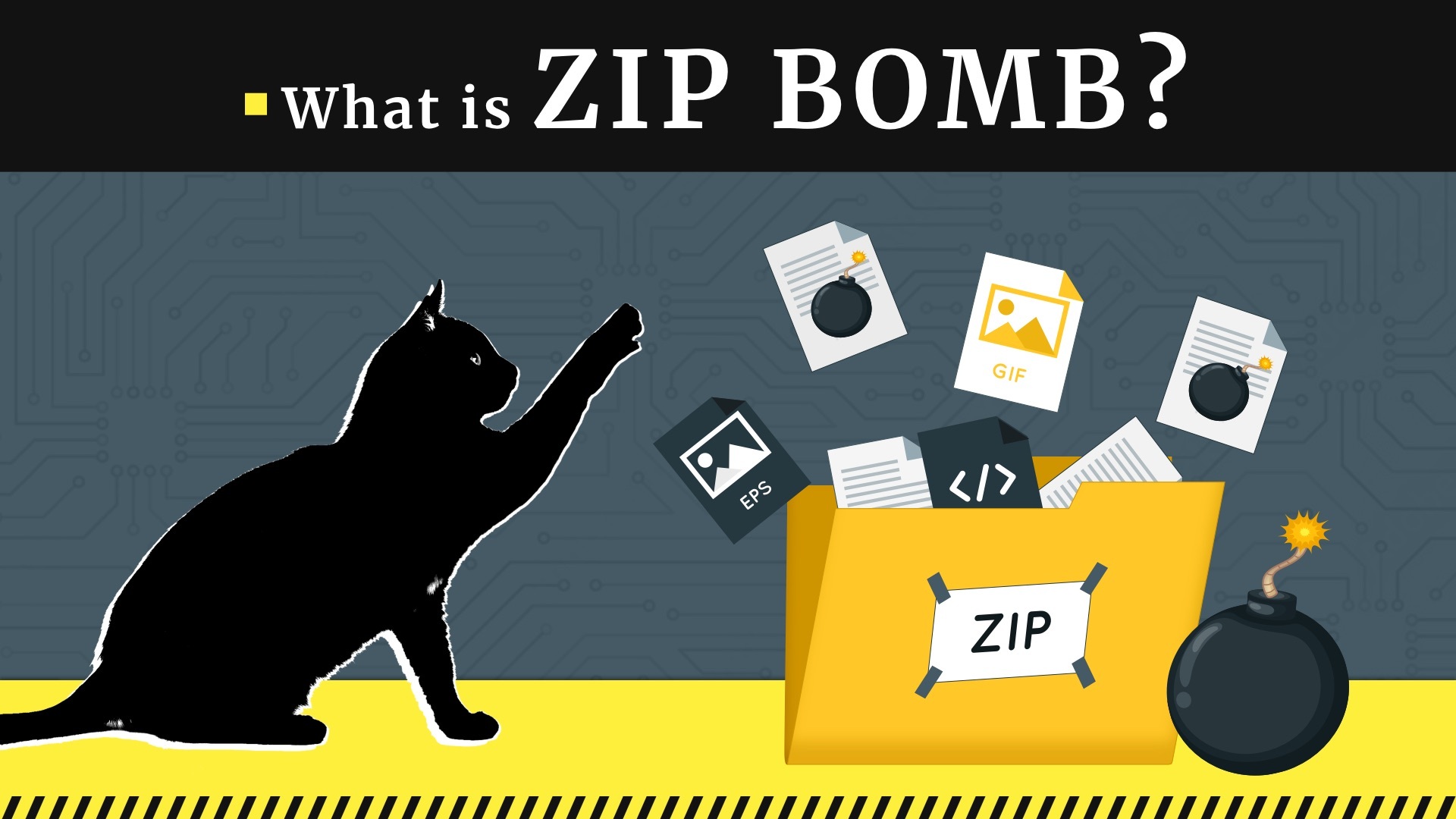
You might've seen a file that looks totally innocent. It’s tiny. Maybe just a few kilobytes. It sits there in your downloads folder or an email attachment, looking like a harmless .zip file. But if you try to unzip it, your computer screams. The fans spin up like a jet engine, your RAM vanishes, and suddenly your hard drive is begging for mercy. This isn't a virus in the traditional sense. It’s a zip bomb, and it’s basically the digital equivalent of a "clown car" from a nightmare.
These things have been around since the early days of the internet, but they still work. Why? Because they exploit the very way computers try to be efficient. Meanwhile, you can find related developments here: Anthropic and the Audacity of the Eightyfold Growth Gamble.
What is a Zip Bomb, Honestly?
At its core, a zip bomb (often called a "decompression bomb" or "ZIP of Death") is a malicious archive file designed to crash the program or system reading it. It’s a prank that turned into a legitimate cybersecurity threat. It doesn't steal your passwords or encrypt your files for ransom. Instead, it just consumes every single resource your machine has until it chokes.
Think about how file compression works. If you have a text file with the letter "a" repeated a billion times, the computer doesn't need to save a billion "a"s. It just saves a little note that says "repeat 'a' one billion times." That note takes up almost no space. But when you ask the computer to "unpack" that note, it has to actually write out those billion letters. To see the full picture, check out the excellent report by TechCrunch.
A zip bomb is just that concept taken to a psychotic extreme. It’s a massive amount of data—petabytes, sometimes—compressed into a tiny, tiny footprint.
The Legend of 42.zip
We can’t talk about this without mentioning the most famous example: 42.zip. This file is only 42 kilobytes. That’s smaller than a low-resolution photo of your cat. But if you were brave (or dumb) enough to fully decompress it, it would expand to 4.5 petabytes.
To give you some perspective, a petabyte is a thousand terabytes. Most high-end consumer laptops today have maybe one or two terabytes of storage. 42.zip would fill up several thousand of those laptops easily.
It achieves this through recursion. It’s not just one big file; it’s layers. Inside the main zip are 16 smaller zip files. Inside each of those are 16 more. This goes down five layers deep. At the very bottom are massive files that are just empty data. Because the data is so repetitive, the compression ratio is roughly 106 billion to one. It’s a masterpiece of digital chaos.
How Do They Actually Work?
Modern computers are fast, but they aren't magic. When you open a zip file, your operating system or an antivirus scanner has to "look" inside to see what's there.
- The scanner starts unzipping the first layer.
- It sees more zip files.
- It tries to be helpful and unzips those too.
- The data starts expanding exponentially.
Usually, the "bomb" isn't meant to destroy your hardware physically. It’s a Denial of Service (DoS) attack. While your CPU is busy trying to figure out how to fit 4.5 petabytes of "nothing" into its 16GB of RAM, it can’t do anything else. Your mouse stops moving. Your screen freezes. If this happens on a server—like a mail server trying to scan an incoming attachment—it can bring down an entire company’s email system.
Why Antivirus Software Struggles
You’d think a modern antivirus would just see a zip bomb and say "nope." And mostly, they do now. But for a long time, this was a massive "blind spot."
If an antivirus program is too aggressive, it might flag legitimate, highly-compressed files (like large databases) as a threat. If it’s too relaxed, the zip bomb gets through, the scanner tries to check the file for viruses, and the scanner itself crashes the computer. It’s a classic Catch-22.
Researchers like David Fifield have even pushed the boundaries of this. In 2019, he developed a "non-recursive" zip bomb. Unlike 42.zip, which relies on layers, Fifield’s version overlaps files inside the archive. This allows it to expand by a factor of over 28 million without needing the "nested" structure that modern scanners are trained to look for. A 10MB file could turn into 281TB. That's enough to ruin anyone's Tuesday.
The Evolution: From Pranks to Real Threats
In the 90s, people sent these to each other on IRC or via email just to be annoying. Today, the stakes are higher.
Hackers use zip bombs as a "smoke screen." If an attacker wants to slip a real piece of malware past a gateway, they might send a zip bomb alongside it. While the security software is busy struggling to process the massive "bomb" file, the actual virus might slip through the cracks unnoticed. It’s a distraction tactic.
They also target cloud services. Imagine an automated system that accepts file uploads, like a cloud storage provider or a site that processes images. If you upload a zip bomb, that server might spend hours (and lots of expensive processing power) trying to index it. It’s a cheap way to rack up a massive bill for a competitor or just cause havoc.
Defending Your System
Kinda sounds scary, right? Luckily, the average person doesn't need to lose sleep over this.
Most modern archive tools like 7-Zip or WinRAR have built-in protections. They’ll usually give you a warning if a file looks like it has an insane compression ratio. Also, most webmail providers like Gmail or Outlook scan attachments in a "sandbox" environment. If the file starts acting crazy, they just kill the process before it ever reaches your inbox.
However, if you're a developer or you run your own server, you've got to be more careful. You should always set limits on:
- How deep a recursive extraction can go.
- The maximum size a decompressed file is allowed to be.
- How much memory the decompression process can use.
Misconceptions and Reality
Some people think a zip bomb is like a "logic bomb" that waits for a specific date to explode. It’s not. It only "explodes" when you (or your software) interact with it.
Others think it can permanently fry your motherboard. Highly unlikely. Your computer has thermal safeguards. If the CPU gets too hot from the stress, it’ll just shut itself down. The real "damage" is lost work, corrupted file systems from an improper shutdown, or a server being offline for hours.
Practical Steps to Stay Safe
If you happen to stumble across a file that seems suspiciously small for what it claims to be, don't just click "Extract All."
- Check the Metadata: Most archive managers let you view the "Total Size" vs. "Packed Size" before you extract. If the ratio is 1000:1 or higher, be very suspicious.
- Use Modern Tools: Keep your decompression software updated. Old versions of WinZip from 2005 are much more vulnerable than the latest version of 7-Zip.
- Limit Server Uploads: If you run a website that accepts ZIP uploads, implement a "max-size" check on the uncompressed data headers before allowing the process to start.
- Trust Your Gut: If a stranger sends you a file named
totally_not_a_bomb.zipthat is only 10KB, just delete it. It’s not worth the headache.
The zip bomb is a reminder that in the digital world, size is relative and "efficiency" can be weaponized. It’s a clever, low-tech way to cause high-tech trouble. Stay skeptical of tiny files with big promises.
To further secure your environment, audit any automated scripts you use for file processing to ensure they have "time-out" functions. This prevents a single process from hanging indefinitely if it encounters a malicious archive. Regularly clearing your temporary folder can also help mitigate the impact if an extraction starts to get out of hand before you can stop it.